
Image with Info-Box
The Image with Info-Box component is a full-width image with an overlaid color box with text.
For Nestlé, nuturing future generations is not just about making products.
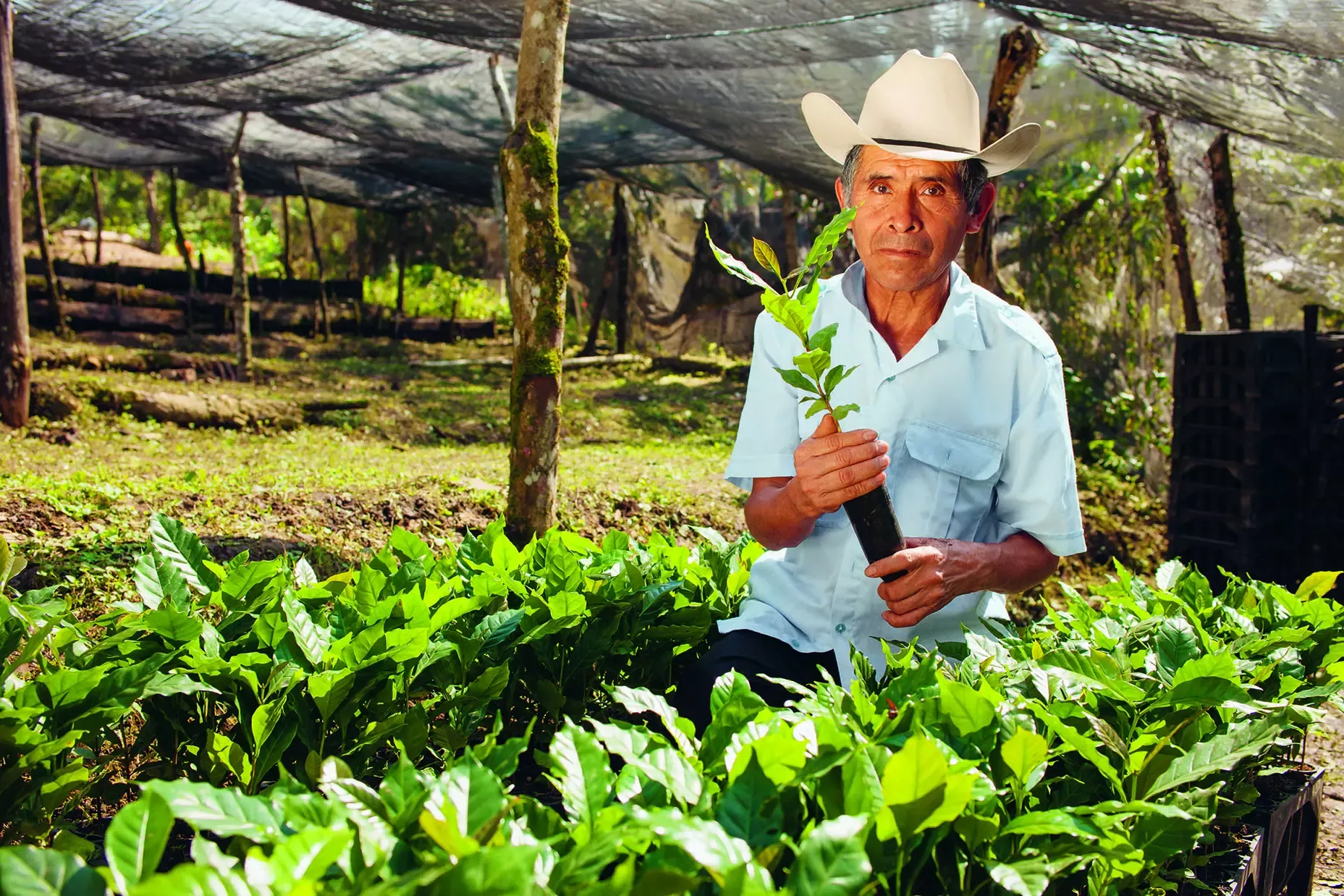
When to use
This component is particularly useful for highlighting key messages and takeaways within your text content. This component allows these messages to stand out strongly and will help the website visitor remember the message.
Often the content in takeaways is a key thing Nestle has done, or something that could have emotional impact.
How to use
There are three options within this component:
- Position of text. If the key part is the message you should have the text centered vertically. If the key thing is the image and the text is supporting, then you could position the text at the top or bottom.
- Color. The main digital color palette is available to use with this component. Be mindful when deciding whether the block color should be complementary to the image used, or whether it should be contrasting. Alternatively, if the content aligns with an impact area, the color choice could align with this.
- Font. You can use both Nestlé Text and Nestlé Script. If using Nestlé Script, stay in line with the recommendations on the usage of this font from the brand guidelines.
Additional considerations
- Maximum text length using Nestlé Text: 120 characters
- Maximum text length using Nestlé Script: 80 characters
- Ensure the image is cropped appropriately so the info-box does not cover faces
- Ensure that any image you use is high enough quality to stretch to fill the entire page, ideally 1920 pixels wide
- For this to display exactly as you want it, use an image with a ratio of 3.5:1 (however you can use other images sizes as they will scale and crop to match)
